
Nano Banana 2

High-speed, photorealistic image generation.

Nano Banana 2

Generate, edit, and refine images with Nano Banana 2 on Squido AI. Great for fast image creation, photo edits, social content, concept visuals, and everyday creative workflows

Start with an AI Image Generator Template

Don't start from scratch. Pick a style and remix it instantly with our multi-model AI engine.

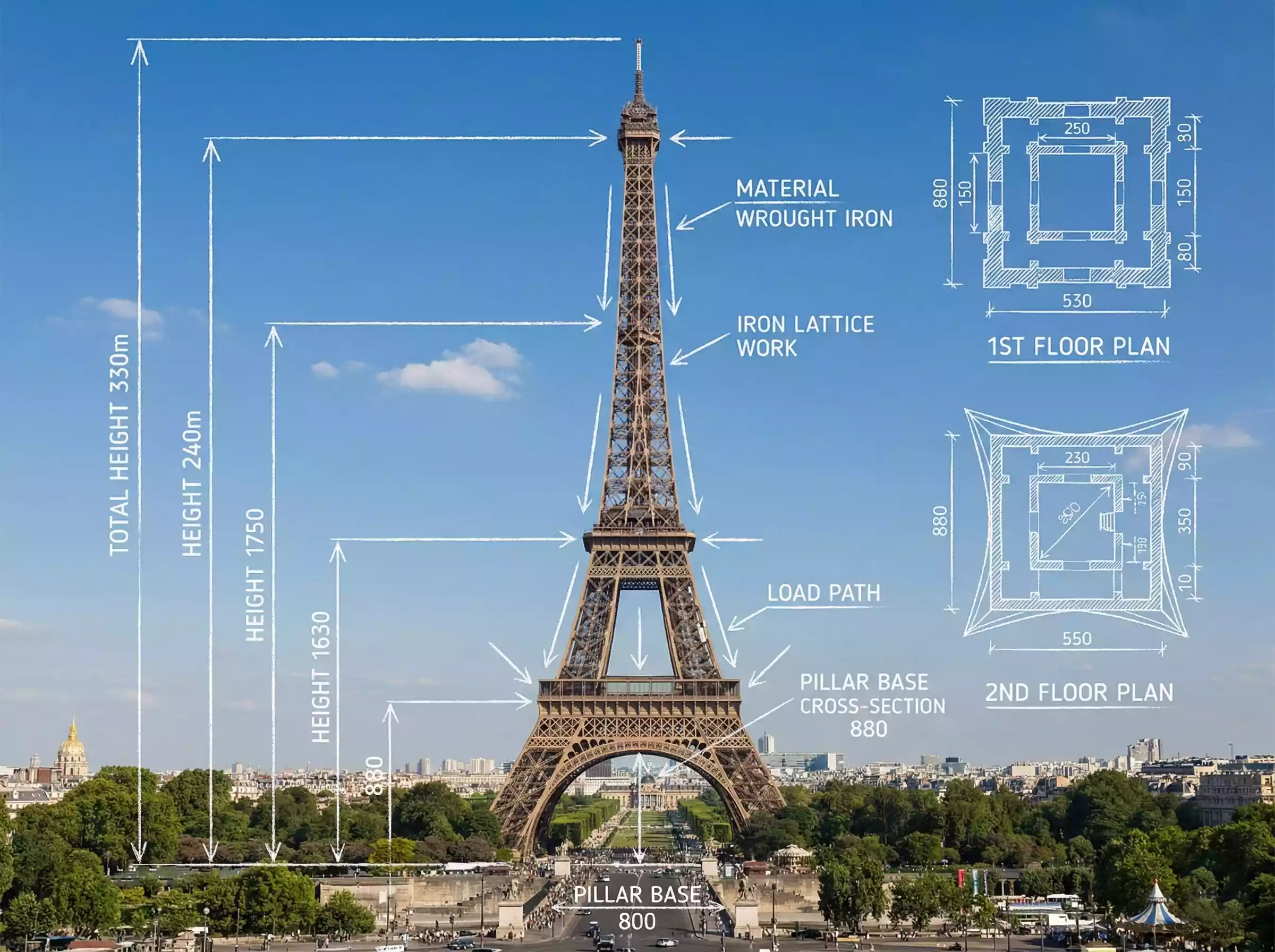
Architectural infographic of the Eiffel Tower in Paris, a real architectural photograph overlaid with blueprint-style technical annotations. White chalk lines marking key structural data measurements and material information. Includes engineering details such as load arrows, cross-sections, and floor plans with bilingual English labels. Educational infographic style, with the background environment clearly visible.
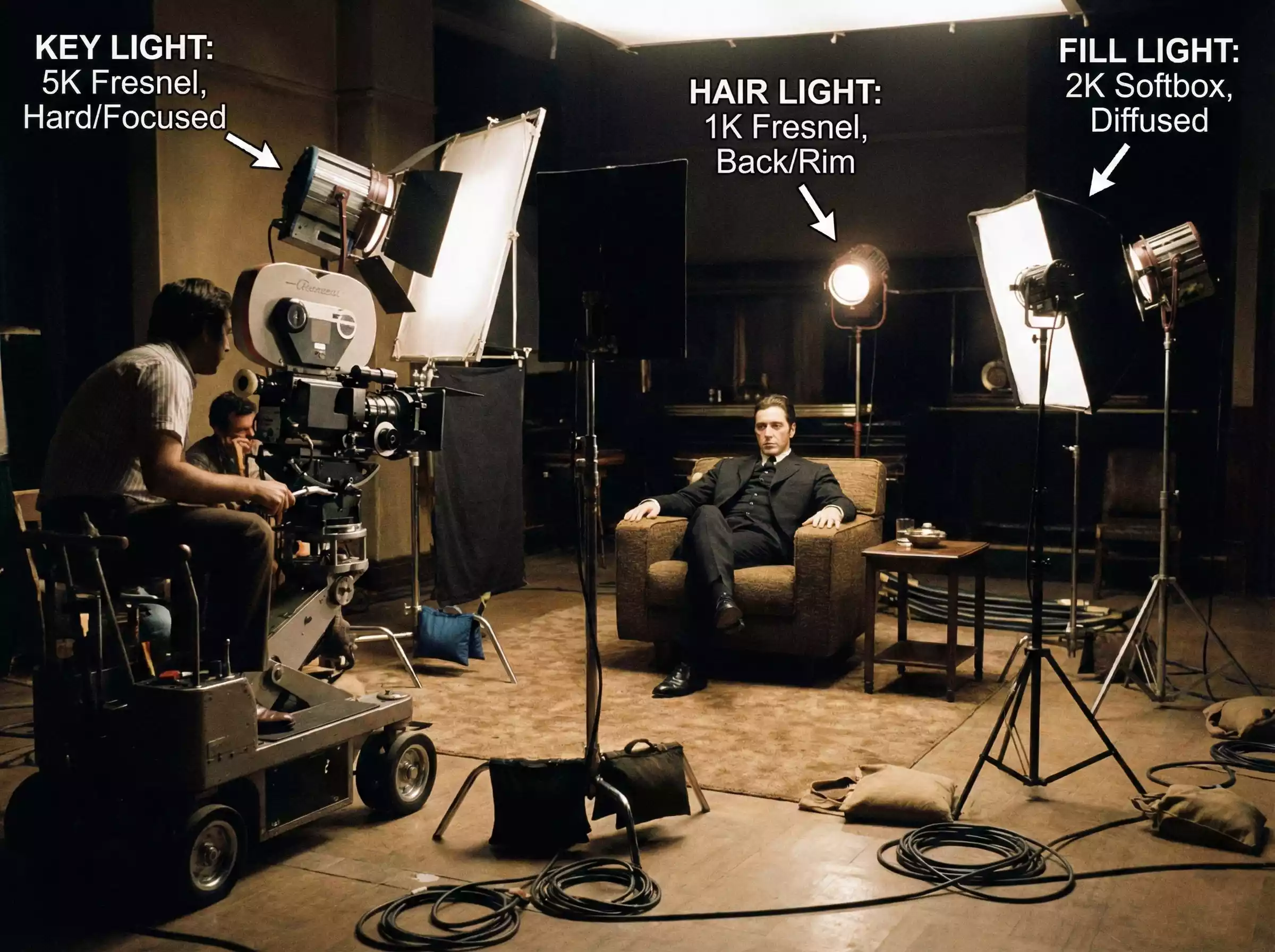
Generate a realistic behind-the-scenes shot of a movie set, showing the positions of cameras and lighting equipment used for the scene. Use arrows to label the names, types, and settings of the lights.
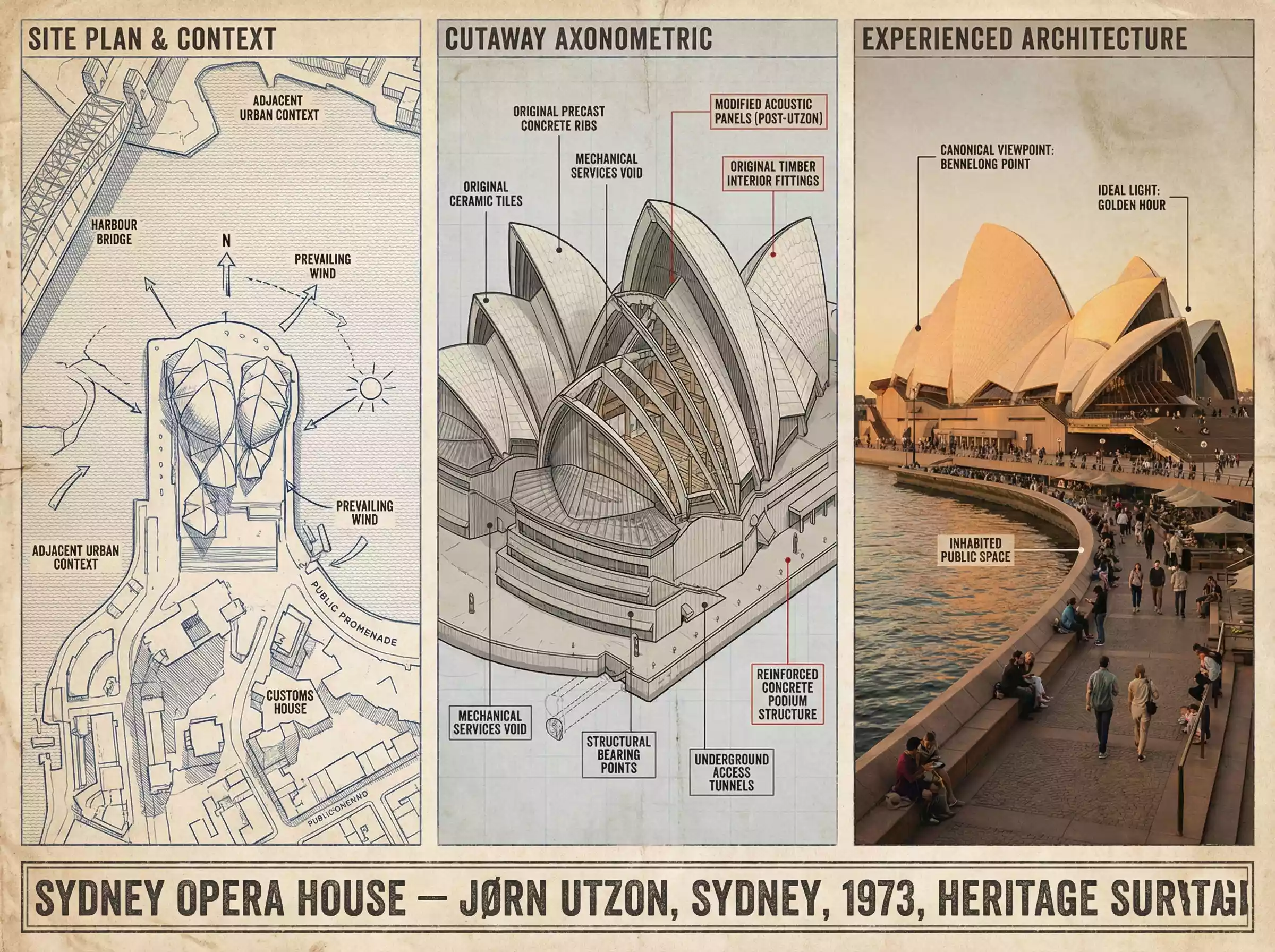
A preservation architect's survey board for the Sydney Opera House — Expressionist Modernism / Jørn Utzon / Mid-20th Century. Left section: site plan and context, showing the structure in its urban or landscape setting with orientation, shadows, and neighboring relationships mapped. Center section: the building dissected, a cutaway axonometric revealing structural system, material layers, hidden infrastructure, with callouts identifying original versus modified elements. Right section: the building as experienced, photographed from the canonical viewpoint in ideal light, with human figures for scale and life, the architecture inhabited. Visual style transitions from technical survey blue-line through neutral analytical greys to golden-hour warmth. Title block reading "SYDNEY OPERA HOUSE — JØRN UTZON, SYDNEY, 1973, HERITAGE SURVEY".
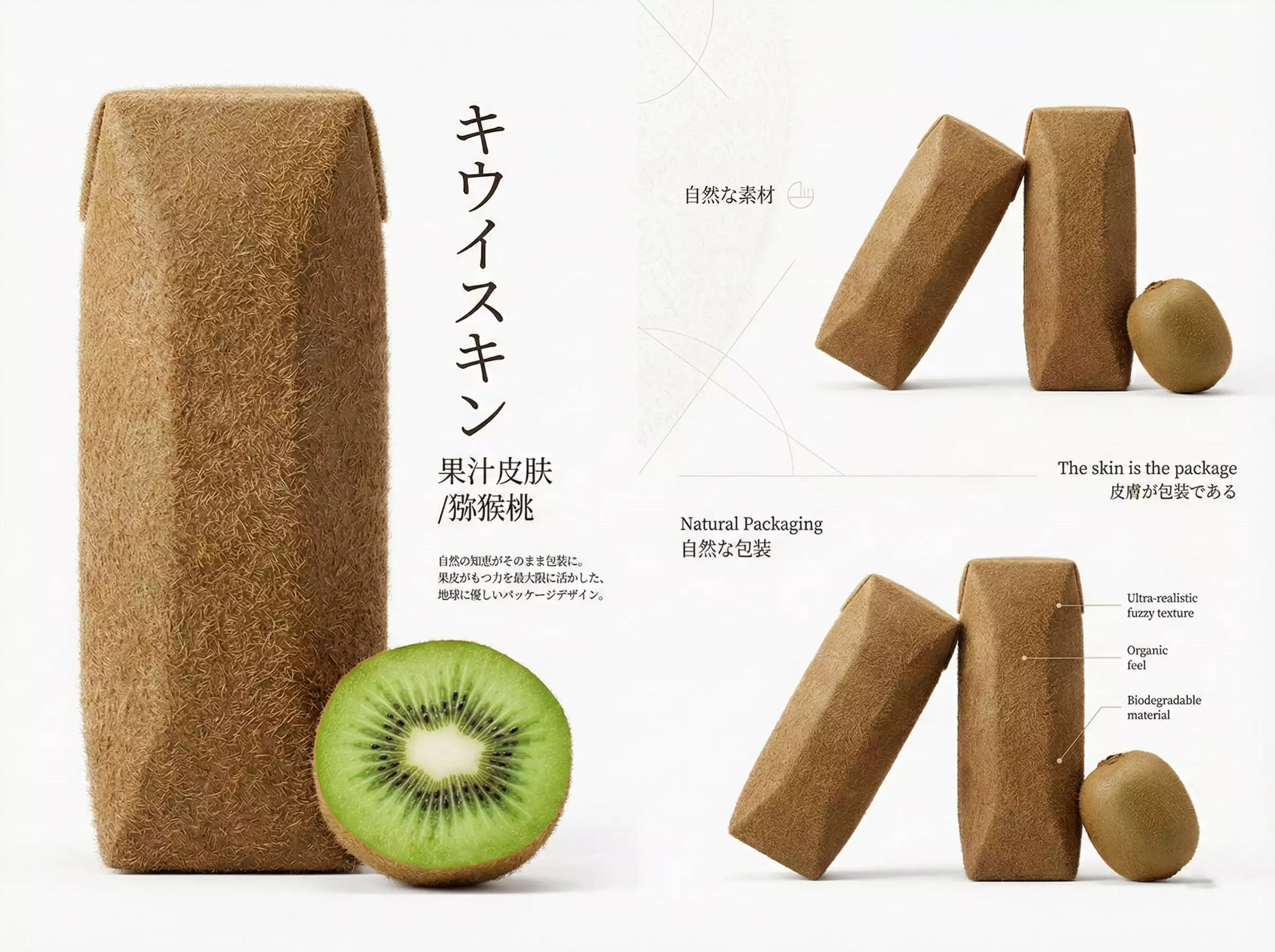
Premium Japanese-style product poster in 16:9 landscape format, editorial design showcasing kiwi juice skin packaging concept with sophisticated visual storytelling:

LEFT SIDE (40% of canvas):
- Hero product: One large kiwi juice skin package displayed vertically with dramatic soft lighting, showing ultra-realistic kiwi peel texture wrapped around rectangular container, fuzzy brown skin with thousands of fine visible hair-like fibers covering entire surface, rough natural texture, brown color with subtle variations, looks exactly like real kiwi skin stretched over package
- Below: One cross-sectioned fresh kiwi showing vibrant green creamy flesh with black seeds radiating from white center
- Japanese typography vertically aligned: "キウイスキン" (Kiwi Skin) in elegant thin gothic font
- Subtitle: "果汁皮肤 / 猕猴桃" in refined style
- Small design philosophy text in Japanese

CENTER (30% of canvas):
- Generous white negative space (Ma - 間)
- Minimal geometric elements: delicate thin lines
- Floating text: "自然な素材" (natural materials)
- Subtle minimalist brand mark
- Very subtle kiwi fuzz texture pattern in background (low opacity)

RIGHT SIDE (30% of canvas):
- Two kiwi juice skin packages arranged artistically at different angles and heights
- One whole fresh kiwi with natural fuzzy brown skin
- Typography: "Natural Packaging / 自然な包装"
- Tagline: "The skin is the package / 皮膚が包装である"
- Detail callouts pointing to fuzzy hair texture

DESIGN PRINCIPLES: Abundant white space, asymmetrical balance, Wabi-sabi aesthetic, Muji/Noritake editorial minimalism
COLOR PALETTE: brown kiwi tones, pure white background, bright green accent from flesh
PHOTOGRAPHY: Soft diffused studio lighting, ultra-sharp macro details showing fuzzy texture, photorealistic rendering
CRITICAL: The kiwi skin packaging must look incredibly realistic - actual organic fuzzy brown texture with thousands of tiny brown hairs, rough natural appearance, NOT plastic

16:9 widescreen, high-end Japanese product poster, gallery quality

Nano Banana 2 Community Feed

Real-time gallery of high-speed generations

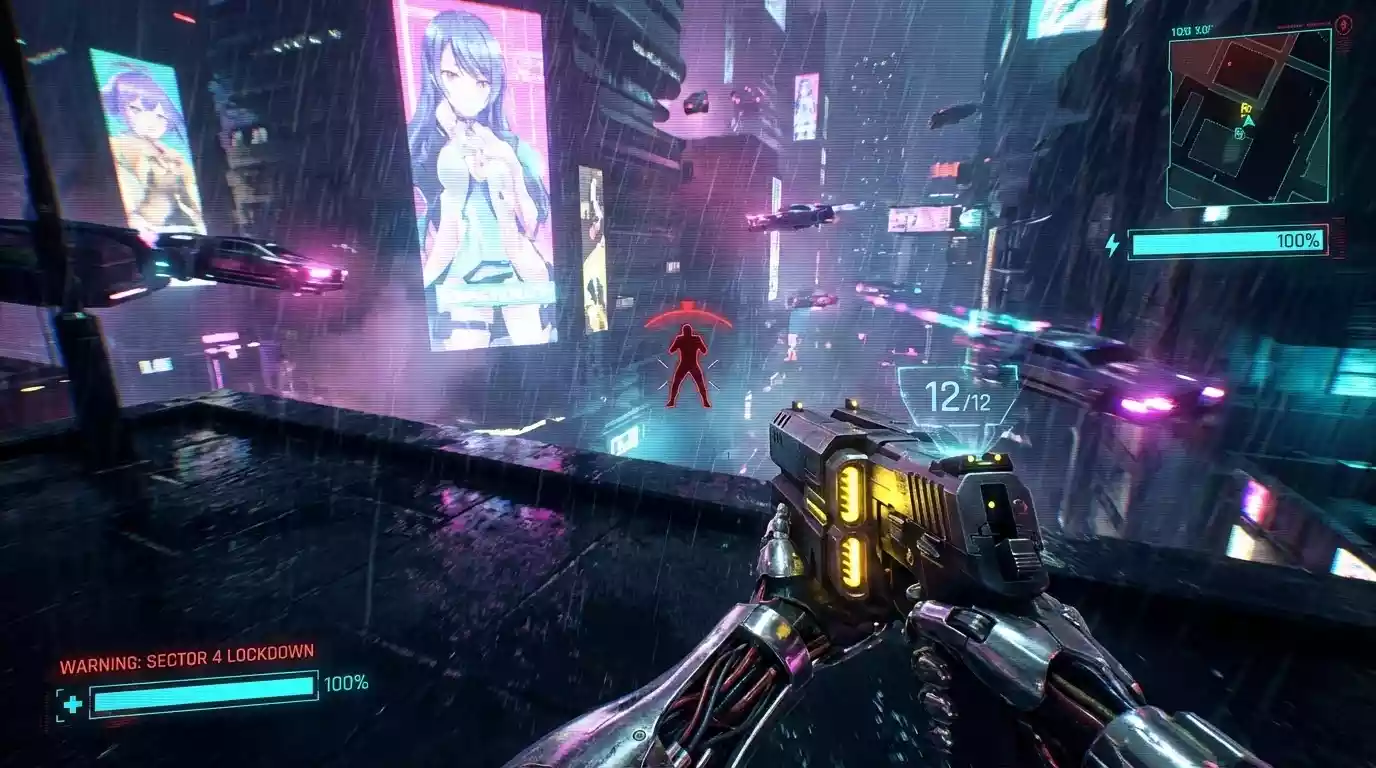
A futuristic cityscape with neon lights and flying cars, cyberpunk style, highly detailed, 8k resolution

A futuristic cityscape with neon lights and flying cars, cyberpunk style, highly detailed, 8k resolution

N
by Neo
Remix
A serene mountain lake at sunset, reflection in the water, realistic style, wide angle lens

A serene mountain lake at sunset, reflection in the water, realistic style, wide angle lens

N
by NatureLover
Remix
Portrait of an astronaut floating in space, earth in background, cinematic lighting, photorealistic

Portrait of an astronaut floating in space, earth in background, cinematic lighting, photorealistic

S
by StarGazer
Remix
A fantasy castle in the clouds, dreamlike atmosphere, pastel colors, digital art illustration

A fantasy castle in the clouds, dreamlike atmosphere, pastel colors, digital art illustration

D
by DreamWeaver
Remix

How to Use Nano Banana 2

Getting strong results starts with a clear goal and a few focused iterations.

1

Start with Your Goal

Describe what you want to create or change, such as a new hero image, a background edit, a thumbnail, or a product concept.

2

Add Clear Visual Direction

Mention the subject, setting, lighting, color mood, and intended output style.

3

Include Edit Instructions

If you are changing an existing image, explain exactly what should stay and what should change.

4

Generate and Compare Variations

Create multiple versions to find the strongest composition or style.

5

Refine with a Second Prompt

Use follow-up prompts to improve details, simplify the scene, or move closer to the final look.

Nano Banana 2 vs Nano Banana Pro

Nano Banana 2 and Nano Banana Pro are useful for different types of work.

Metric
Nano Banana 2
Nano Banana Pro
Primary Strength
Fast generation and editing
Commercial-ready image output
Best For
Everyday creative work
Product visuals, ads, text-heavy assets
Workflow Style
Flexible and iterative
More performance-focused
Ideal Users
Creators, social teams, designers
E-commerce, branding, marketing teams
Why Squido AI Feels Different?

Choose Nano Banana 2 when speed, editing flexibility, and day-to-day creative work matter most. Choose Nano Banana Pro when you need stronger text rendering, more polished product visuals, and higher-value commercial assets.

Ultimate Guide • 2026 Edition

Nano Banana 2:
AI Image Generator & Photo Editor

Nano Banana 2 is a versatile AI image model designed for both image generation and image editing. It helps users create new visuals from text prompts, update existing images, explore different styles, and test creative directions without a complicated workflow.

Why Use Nano Banana 2 on Squido AI?

Squido AI makes Nano Banana 2 easy to access in a simple, production-friendly workflow. Whether you want to create a new visual from scratch or improve an existing image, Nano Banana 2 helps you move faster with fewer steps.

Instead of focusing only on polished commercial output, Nano Banana 2 is better positioned as a practical tool for fast iteration. It is a strong choice for creators, marketers, designers, and teams who need to move quickly from idea to visual.

Core Technical Highlights

Fast Image GenerationCreate visuals quickly for content, campaigns, drafts, and experiments. Nano Banana 2 is well suited to users who need speed and flexibility more than highly specialized output.
Simple AI Photo EditingUse natural language prompts to adjust backgrounds, styles, layouts, mood, and visual details. This makes Nano Banana 2 useful for fast editing tasks without opening a full design tool.
Flexible Creative IterationGenerate multiple directions from one idea and compare compositions, colors, settings, or styles. It is ideal for exploring options before moving into final production.
Easy Prompt-Based WorkflowYou do not need a complex process to get useful results. A clear prompt, a visual goal, and a few iterations are often enough to create or improve an image efficiently.

Best Use Cases for Nano Banana 2

Nano Banana 2 is a practical option for creators and teams who need visuals regularly but do not want every task to become a full design project.

Photo Editing and Retouching

Refine an existing image with prompt-based changes such as background updates, lighting adjustments, style shifts, object replacement, or scene cleanup.

Social Content Creation

Create fast visuals for posts, thumbnails, short-form campaigns, quote graphics, and promotional content for multiple channels.

Concept Exploration

Use Nano Banana 2 to test ideas quickly for campaign concepts, scene directions, product presentation, character looks, or creative moodboards.

Visual Remixing

Start from an existing image or reference and transform it into a different style, setting, tone, or composition while keeping the original idea.

Content Thumbnails and Covers

Generate attention-grabbing cover images for blogs, videos, newsletters, guides, and landing pages with minimal production time.

Everyday Creative Work

Nano Banana 2 is a practical option for creators and teams who need visuals regularly but do not want every task to become a full design project.

Frequently Asked Questions

Nano Banana 2 is best for fast image generation, simple AI photo editing, content visuals, concept exploration, and everyday creative tasks.
Yes. You can use it to update scenes, change backgrounds, adjust style, replace visual elements, and refine existing images with prompt-based instructions.
Yes. It works well for users who want a straightforward workflow with simple prompts and fast iterations.
Nano Banana 2 is better for flexible day-to-day generation and editing, while Nano Banana Pro is better for more commercial, text-sensitive, and product-focused output.
Most failed generations happen because the model provider rejects the prompt or the service is temporarily busy. Try again a few times, and if the issue continues, contact our support team.