
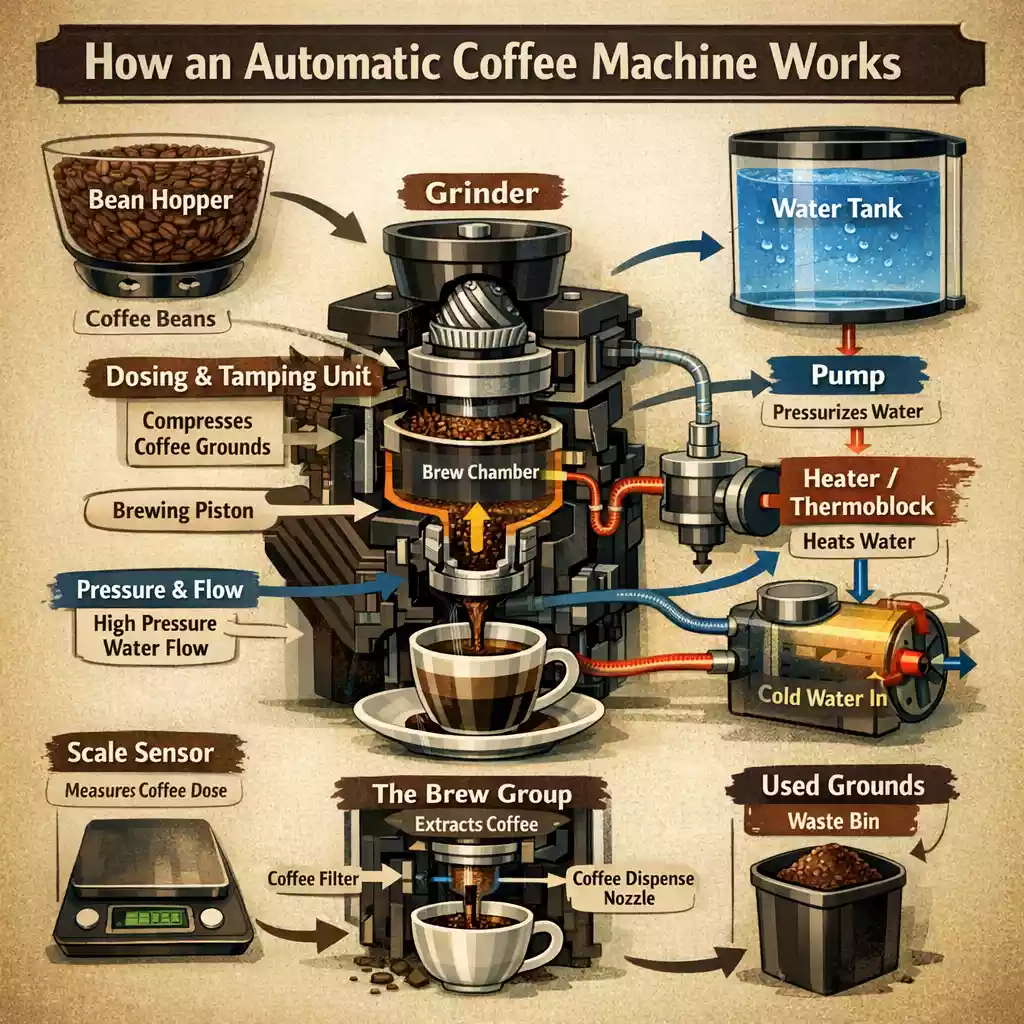
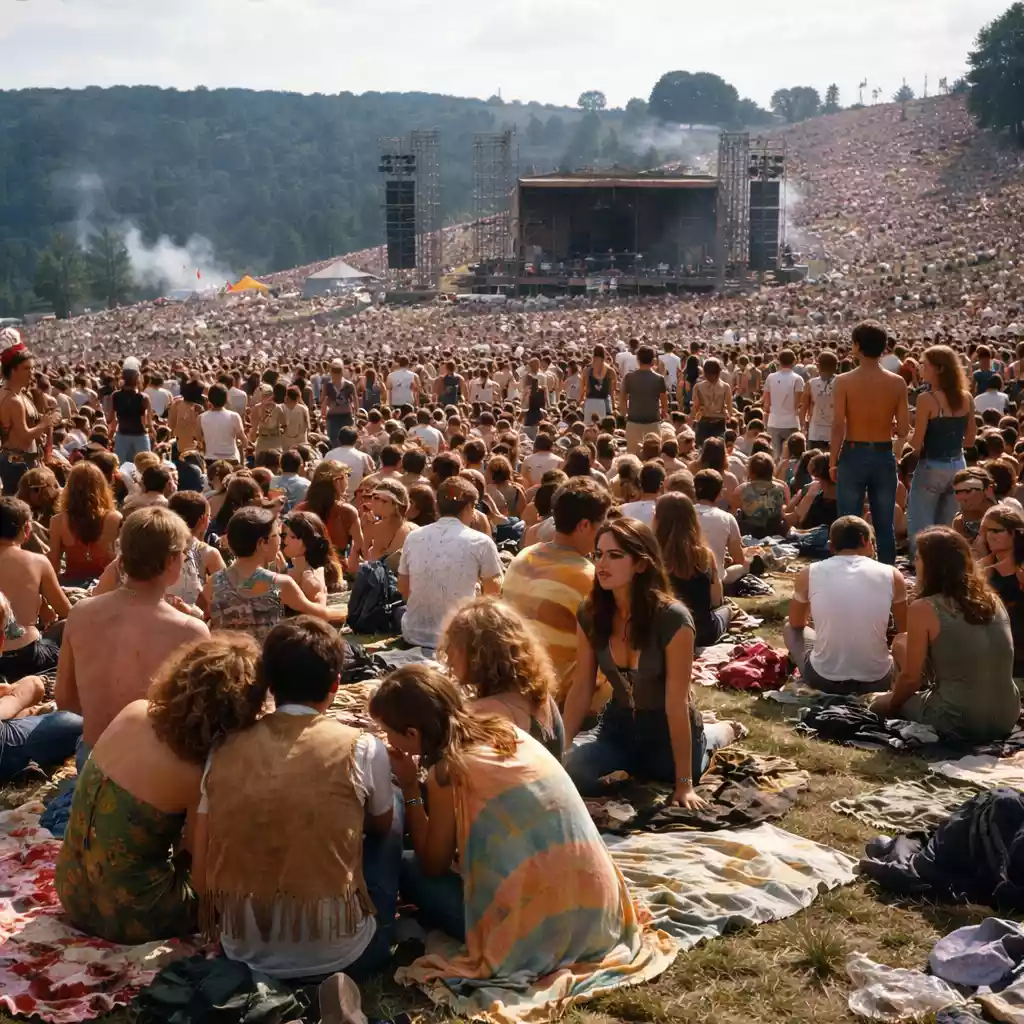
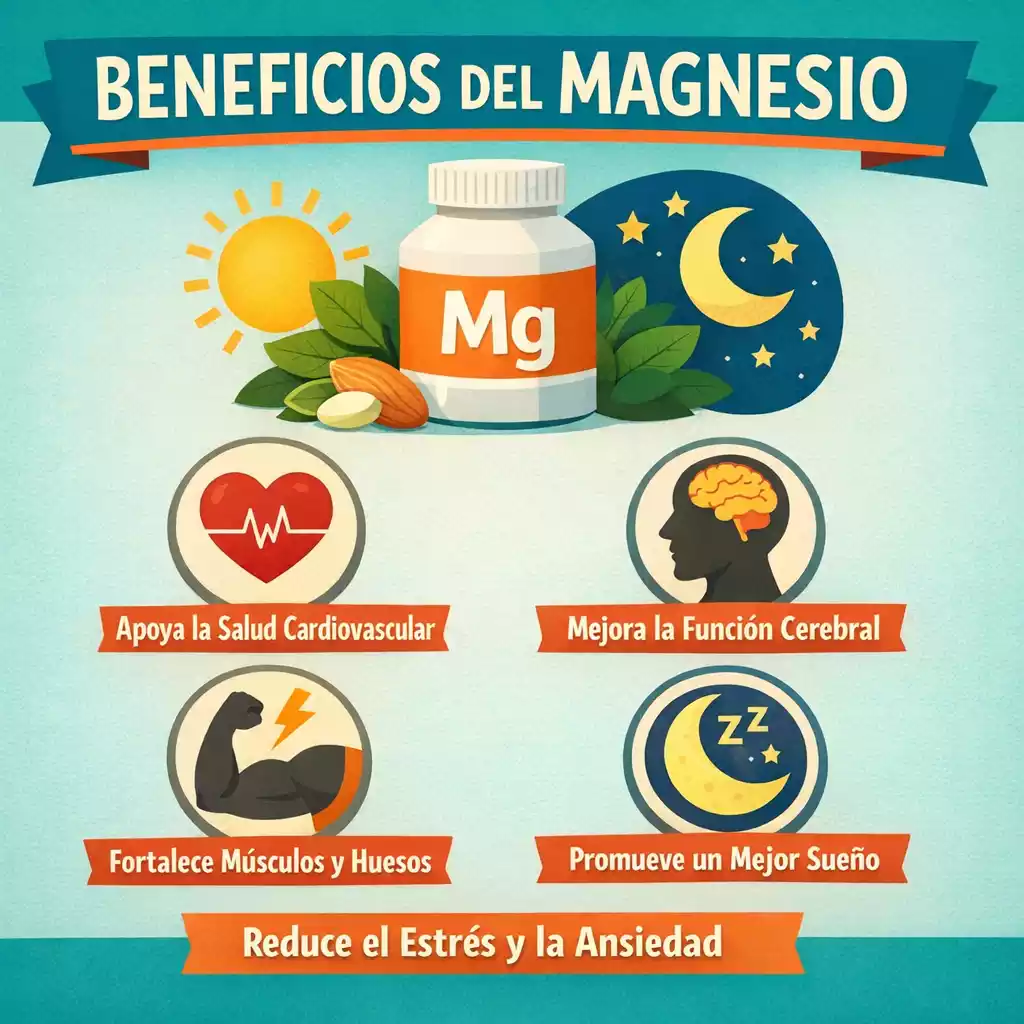
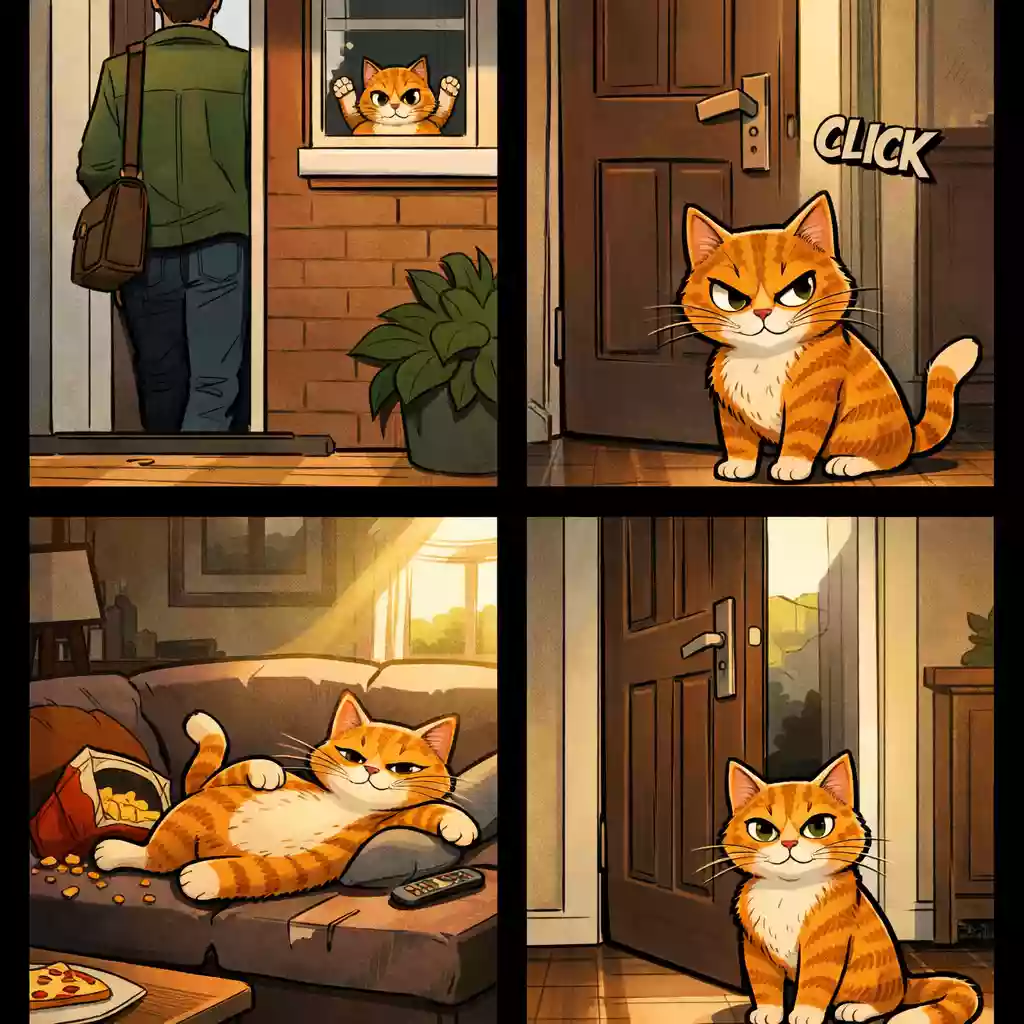
GPT Image 2

GPT Image 2 is OpenAI's most capable AI image generator and editor. Create high-fidelity images from text, edit uploaded visuals with precision, render clean typography, and produce production-ready assets for marketing, product, UI, and brand work.

Create and Edit with GPT Image 2

Use GPT Image 2 directly in your browser for text-to-image and image-to-image workflows. Generate product visuals, marketing graphics, UI mockups, multilingual assets, and precisely edited images with fast iteration and reliable output quality.

Made with GPT Image 2

Explore GPT Image 2 visuals generated by real users on Squido AI.

GPT Image 2 Community Feed

See the latest GPT Image 2 creations from real users on Squido AI.

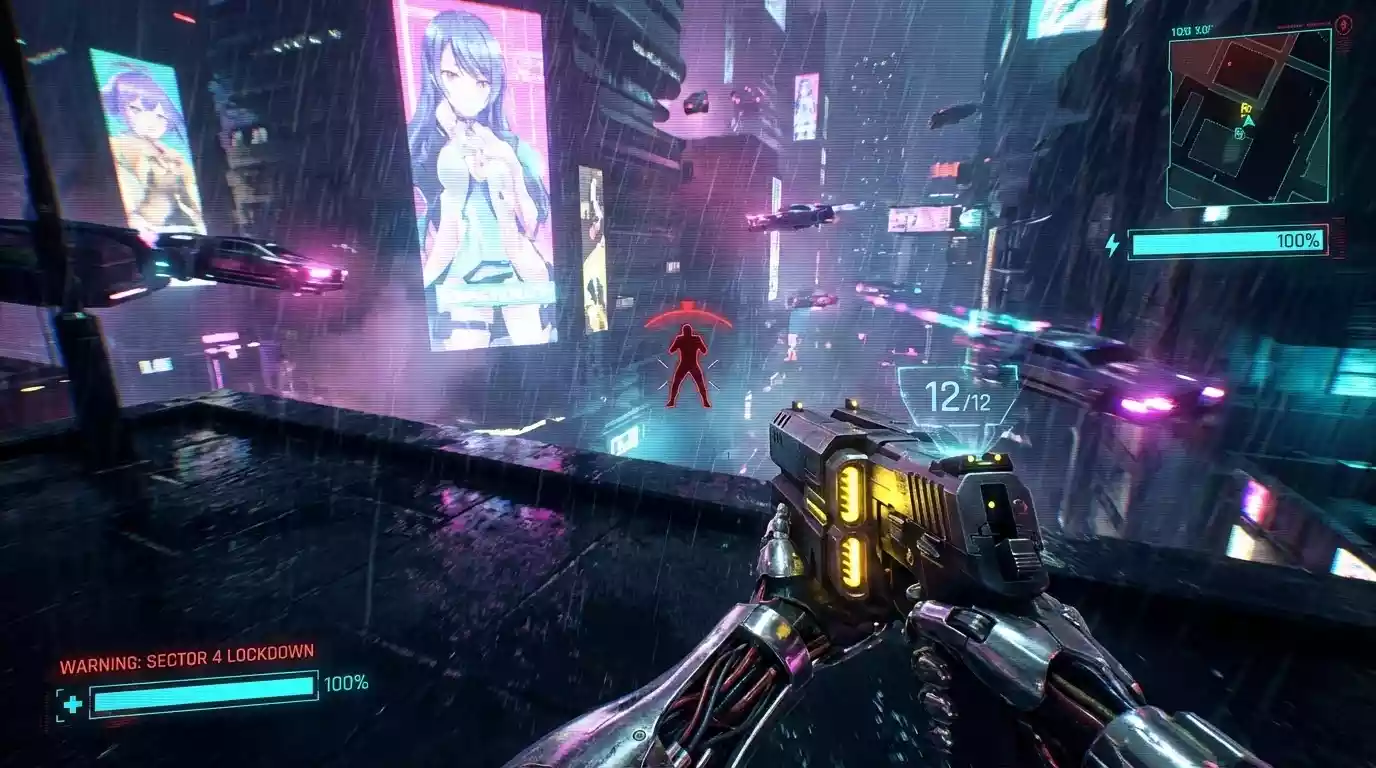
A futuristic cityscape with neon lights and flying cars, cyberpunk style, highly detailed, 8k resolution

A futuristic cityscape with neon lights and flying cars, cyberpunk style, highly detailed, 8k resolution

N
by Neo
Remix
A serene mountain lake at sunset, reflection in the water, realistic style, wide angle lens

A serene mountain lake at sunset, reflection in the water, realistic style, wide angle lens

N
by NatureLover
Remix
Portrait of an astronaut floating in space, earth in background, cinematic lighting, photorealistic

Portrait of an astronaut floating in space, earth in background, cinematic lighting, photorealistic

S
by StarGazer
Remix
A fantasy castle in the clouds, dreamlike atmosphere, pastel colors, digital art illustration

A fantasy castle in the clouds, dreamlike atmosphere, pastel colors, digital art illustration

D
by DreamWeaver
Remix

How to Use GPT Image 2 on Squido AI

Three simple steps to create and edit images with GPT Image 2.

1

Write a Clear Prompt

Describe the subject, style, composition, lighting, and intended use in detail. The more specific your prompt, the more accurately GPT Image 2 can deliver the visual you have in mind.

2

Add Reference Images if Needed

For image editing and image-to-image workflows, upload one or more source images and describe what should stay the same and what should change. GPT Image 2 will apply targeted edits while preserving the visual elements you want to keep.

3

Generate, Compare, and Refine

Generate your image, review the result, and use follow-up instructions to refine details, adjust composition, or update specific elements until your GPT Image 2 visual is ready for design, marketing, product, or UI use.

GPT Image 2 vs Leading AI Image Models

GPT Image 2 is built for users who need more than attractive visuals. It stands out for prompt adherence, precise image editing, text rendering accuracy, and production-ready outputs across real design, marketing, and product workflows.

Metric
GPT Image 2
GPT Image 1.5Flux 1.1 ProIdeogram 2
Prompt Adherence
Excellent
Very GoodVery GoodVery Good
Image Editing Precision
Excellent
HighMediumMedium
Text Rendering
Excellent
Very GoodGoodExcellent
Generation Speed
Fast
Very FastFastMedium
Best For
Edits, UI mockups, product visuals, multilingual graphics, branded assets
Fast generation and general image workStylized visuals and polished creative outputsTypography-heavy creative and poster work
Why Squido AI Feels Different?

GPT Image 2 is the strongest upgrade for teams and creators who prioritize precise editing control, cleaner text in images, and more reliable prompt adherence. GPT Image 1.5 remains a fast and capable option for general generation. Flux 1.1 Pro delivers strong stylized and polished visuals. Ideogram 2 is competitive for typography-focused creative work. Choose GPT Image 2 when quality, control, and commercial usability all matter.

Ultimate Guide • 2026 Edition

The Complete Guide to GPT Image 2
High-Fidelity AI Image Generation and Precise Editing in One Workflow

GPT Image 2 is OpenAI's most advanced AI image generator and image editor, built for users who need more than visually interesting outputs. It combines strong prompt adherence, cleaner text rendering, precise image-to-image editing, and reliable production quality in a single workflow, making GPT Image 2 one of the most practical AI image models for design, marketing, product, and UI creation available today.

What Is GPT Image 2?

GPT Image 2 is a next-generation AI image generator and AI image editor developed by OpenAI. Unlike earlier models that focus primarily on artistic generation, GPT Image 2 is built for practical visual production. It handles complex text prompts with stronger fidelity, edits uploaded images with more targeted control, renders readable text inside graphics more reliably, and generates production-ready visuals for real commercial workflows including ads, UI mockups, product images, branded content, and multilingual marketing assets. On Squido AI, GPT Image 2 is available directly in your browser for both text-to-image generation and image-to-image editing without additional setup.

Core Technical Highlights

High Prompt AdherenceGPT Image 2 interprets detailed and complex prompts with stronger accuracy, turning precise instructions into coherent visuals that match your intended subject, style, composition, and layout with fewer retries and wasted iterations.
Precise Image EditingGPT Image 2 supports reference-based image editing that targets specific regions or elements while keeping the rest of the composition stable. This makes it practical for controlled updates, iterative creative work, and production workflows that require consistent visual output.
Cleaner Text RenderingGPT Image 2 is a strong choice for any visual that needs readable text embedded in the image. It handles posters, ad creatives, product labels, packaging concepts, UI screens, menus, and other graphics with more stable and accurate typography than many general-purpose AI image models.
Fast Creative IterationGPT Image 2 is designed for speed and flexibility across a full creative workflow. Generate an initial concept, compare variations, and refine with follow-up instructions until your product visual, campaign graphic, UI mockup, or branded asset is ready to publish.

Best Use Cases for GPT Image 2

GPT Image 2 is designed for creators, marketers, designers, and product teams who need a reliable AI image generator that delivers consistent quality across generation, editing, text, and layout. It performs especially well when prompt accuracy, visual clarity, and commercial usability all need to work together.

Product Visuals and E-commerce Content

Use GPT Image 2 to create product mockups, catalog-ready scenes, ad-ready product visuals, and consistent e-commerce assets. GPT Image 2 delivers cleaner output and stronger prompt control, making it easier to produce professional product images at scale without a full photography setup.

Marketing Graphics and Ad Creatives

GPT Image 2 is well suited for campaign visuals, promotional banners, social ads, and branded marketing graphics that need clear messaging, accurate text in the image, and reliable visual consistency across multiple formats and channels.

UI Mockups and Interface Concepts

GPT Image 2 handles structure, layout, and embedded text more reliably than most AI image generators, making it a practical tool for dashboard concepts, app screen mockups, landing page sections, and other interface-style visuals where layout accuracy and readable labels are important.

Text-Heavy Posters and Branded Assets

Create posters, event graphics, menus, product labels, packaging mockups, and other visual assets that depend on visible text, clean typographic hierarchy, and production-level image quality. GPT Image 2's stronger text rendering makes these workflows significantly more reliable.

Multilingual Marketing Images

GPT Image 2 offers stronger support for generating readable text across multiple languages. This makes it a practical choice for localized campaigns, regional ad assets, international branded content, and other multilingual image workflows where text clarity in different scripts and character sets matters.

Reference-Based Image Editing

Upload an existing image and use GPT Image 2 to make targeted edits with more precision. Describe what should stay the same and what should change, and GPT Image 2 will apply controlled modifications across composition, styling, objects, backgrounds, and visual details while preserving the elements you want to keep.

Frequently Asked Questions

GPT Image 2 is best for high-quality image generation, precise image editing, UI mockups, product visuals, branded marketing graphics, and multilingual image workflows where prompt accuracy, text rendering, and visual consistency all matter.
Yes. GPT Image 2 supports image-to-image editing workflows. You can upload one or more reference images and describe exactly what to keep, modify, or remove, allowing for more controlled and targeted edits while preserving the overall composition and style.
Yes. Text rendering is one of GPT Image 2's strongest advantages. It is especially well suited for posters, ad creatives, product labels, menus, UI screens, and other graphics that need readable, stable typography embedded in the image.
Yes. GPT Image 2 handles structure, layout, and embedded text more reliably than many general-purpose image models, making it a strong choice for dashboard concepts, app screens, landing page sections, and other interface-style visual work.
Yes. GPT Image 2 works well for product mockups, e-commerce listing visuals, campaign graphics, and branded marketing assets that need consistent style, clear visual communication, and production-ready quality.
Yes. GPT Image 2 offers stronger support for generating readable text across multiple languages, making it a practical choice for localized campaigns, regional marketing assets, and multilingual branded visuals.
GPT Image 2 improves on GPT Image 1.5 with better prompt adherence, more precise image editing control, and cleaner text rendering. GPT Image 1.5 is still a fast and reliable option for general image generation, but GPT Image 2 is the stronger choice when editing accuracy and output consistency are priorities.
Most failed generations happen because the model provider rejects the prompt or the service is temporarily busy. Try adjusting or simplifying your prompt and generate again. If the issue continues, contact our support team for help.