


Create Videos Now

Squido AI supports the latest video generation models

AI Text to Video Tool for Creators

Squido AI helps everyday users turn text into video in one place. Use our text to video workflow to create high-quality AI videos fast, explore leading models with a simple interface, and generate without the usual learning curve

Start with a Video Template

Don't start from scratch. Pick a style and remix it instantly with our AI Text to Video Tool.

A cute golden retriever dog in Studio Ghibli animation style exploring a magical ancient forest. Lush green mossy trees, glowing spirit particles floating in the air, soft sunlight filtering through the canopy. The dog looks curious and happy, tail wagging. Hand-painted art style, vibrant colors, whimsical atmosphere, high quality animation.
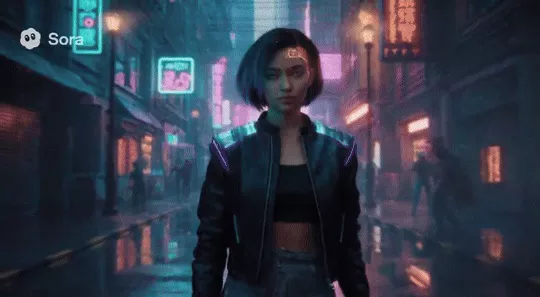
Person in a vibrant urban cyberpunk setting
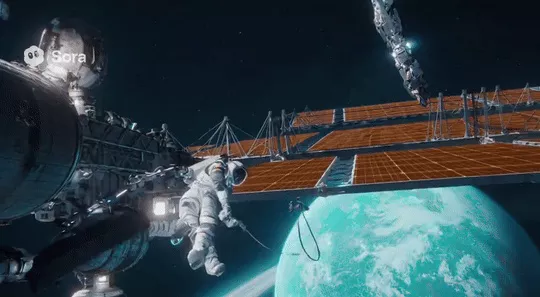
A science fiction scene of a space station orbiting a distant planet, astronauts performing a spacewalk to repair solar panels. Earth-like planet with rings visible in the background, stars scattered across space. Realistic zero-gravity movements, futuristic technology, awe-inspiring cosmic vista.
create a luxury ad for a black Mercedes Class G

Latest AI Videos

See what others are animating with Squido AI

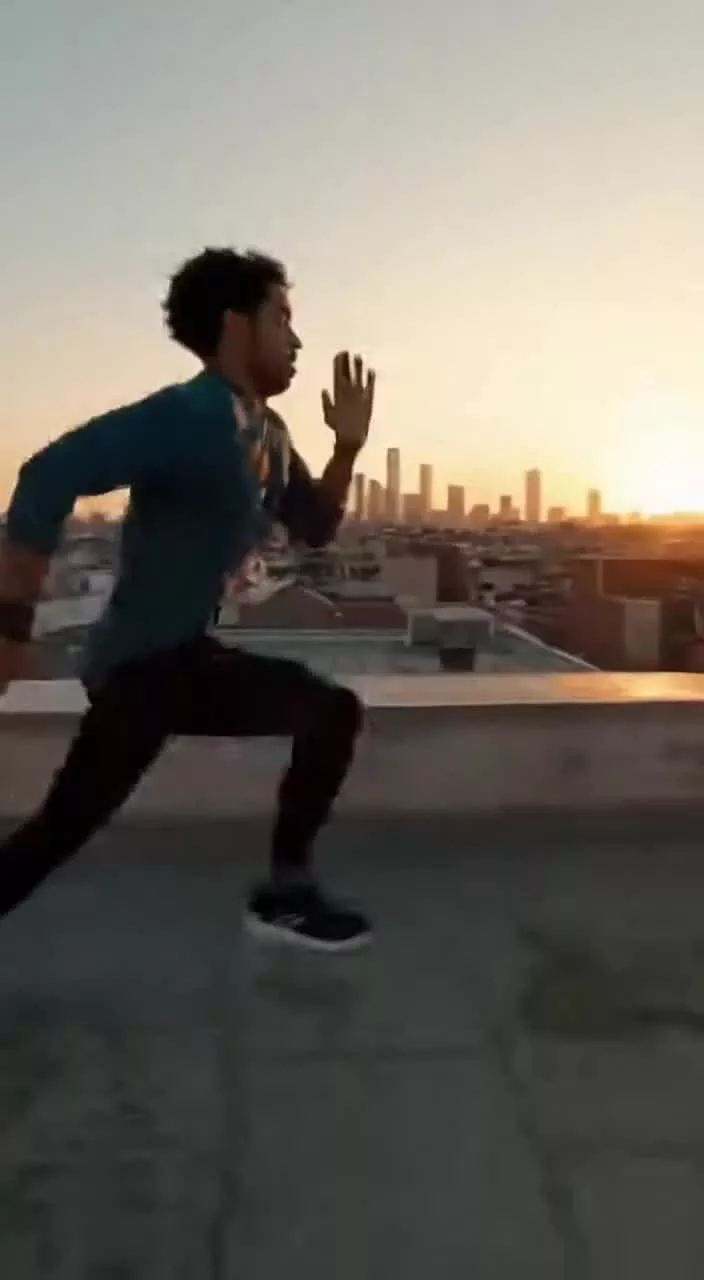
A parkour athlete navigating an urban jungle, leaping between rooftops, vaulting over obstacles, scaling walls. The camera follows with smooth gimbal movements, capturing the fluid athleticism and daring jumps. Sunset lighting, cityscape background, adrenaline and freedom

A parkour athlete navigating an urban jungle, leaping between rooftops, vaulting over obstacles, scaling walls. The camera follows with smooth gimbal movements, capturing the fluid athleticism and daring jumps. Sunset lighting, cityscape background, adrenaline and freedom

A
by AnimeLover99
Remix
Person in a vibrant urban cyberpunk setting, neon lights reflecting on wet pavement, futuristic fashion, hologram billboards in background.

Person in a vibrant urban cyberpunk setting, neon lights reflecting on wet pavement, futuristic fashion, hologram billboards in background.

C
by CyberPunk_Artist
Remix
A science fiction scene of a space station orbiting a distant planet, astronauts performing a spacewalk to repair solar panels. Detailed view of Earth below.

A science fiction scene of a space station orbiting a distant planet, astronauts performing a spacewalk to repair solar panels. Detailed view of Earth below.

A
by AstroTom
Remix
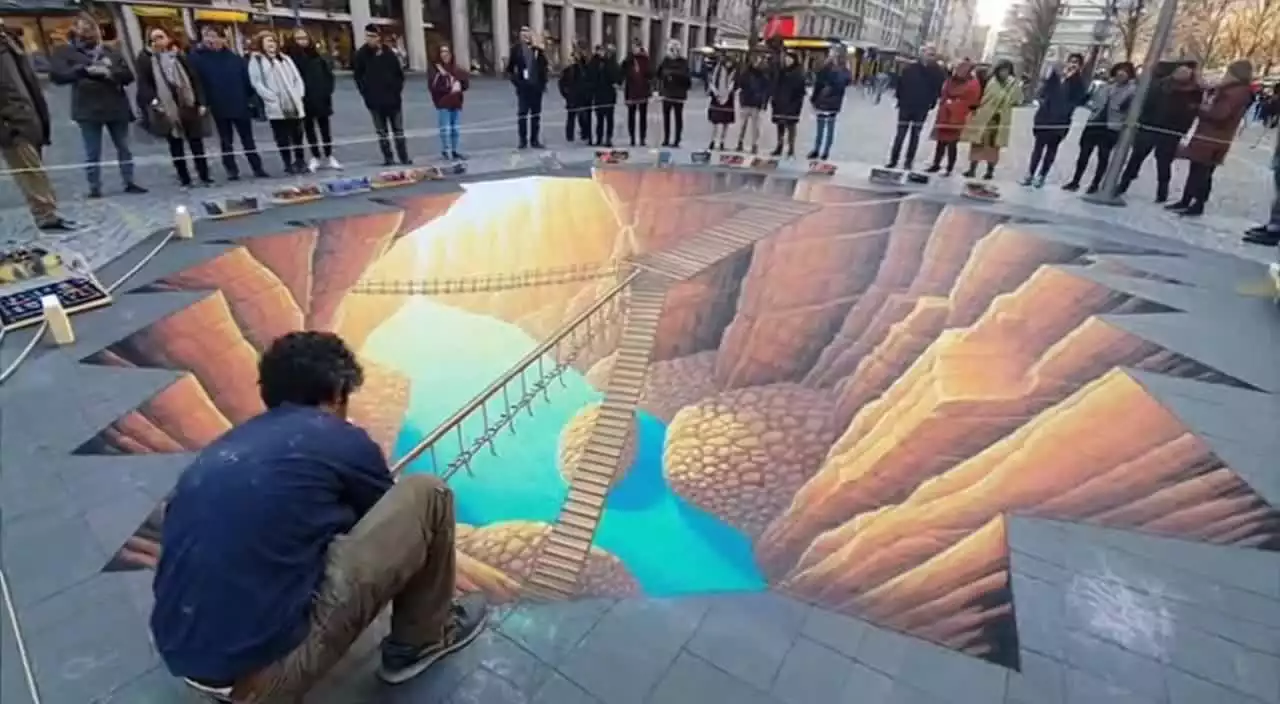
A street artist creating a massive chalk drawing on pavement, aerial view shows the incredible detail and scale. Time-lapse effect of the creation process.

A street artist creating a massive chalk drawing on pavement, aerial view shows the incredible detail and scale. Time-lapse effect of the creation process.

C
by CreativeSoul
Remix

How to Use the AI Text to Video

Create professional videos with the best AI text to video tool in 3 simple steps.

1

Enter Prompt

Describe your scene in the AI Text to Video Tool text box. Be descriptive about camera angles, lighting, and movement.

2

Configure Parameters

Select your preferred model (e.g., Sora 2, Kling), aspect ratio, and video duration to match your platform needs.

3

Generate & Download

Hit generate to watch your static text transform into fluid motion. Preview, remix, or download your video masterpiece.

Best AI Text to Video Platform Comparison

See why Squido AI is the preferred AI Text to Video Tool choice over other platforms like Runway, Luma, and Sora.

Metric
Squido AI
Runway Gen-3Luma Dream MachineSora (Standalone)
Model Library
All Top Models
Single Model (Gen-3 Alpha)Single Model (Dream Machine)Single Model (Sora)
Capabilities
Text/Image-to-Video
Text/Image-to-Video + Editing FeaturesText/Image-to-Video FocusedText-to-Video Focused
Generation Speed
<60s (Turbo)
~90s (High Quality Mode)~120s (Standard Generation)~60s+ (Depends on load)
Free Access
Daily Credits
Limited Free Trial (Credits expire)Limited Free TiersWaitlist / Subscription
Why Squido AI Feels Different

There are many tools in the market that support text to video, but many of them still feel like they were made for experts first. Users are often expected to understand model differences, prompt structure, scene control, quality settings, and production workflows before they even start.

Squido AI takes a different approach. Our text to video experience is designed for ordinary users who want powerful results without the usual friction. Instead of forcing people to become technical creators before they can generate anything useful, we make the path from idea to video more direct and more approachable.

That does not mean compromising on quality. It means delivering text to video through a simpler interaction model, cleaner user experience, and lower barrier to entry. Squido AI helps users create faster, learn naturally, and keep moving without getting stuck in complexity.

Ultimate Guide • 2026 Edition

AI Text to Video:
Turn Ideas into Video

Create videos from simple prompts with Squido AI's advanced text to video experience. Built for everyday users, Squido AI helps you turn ideas into motion quickly with a simple workflow, high-quality results, and access to powerful video models in one place.

What is Squido AI Text to Video?

Squido AI Text to Video is a simple and powerful way to turn written ideas into AI-generated videos. Instead of forcing users into a complicated production workflow, Squido AI makes text to video easier to use, easier to understand, and easier to start. Built for everyday users, Squido AI helps people create videos without needing professional editing skills, advanced prompting knowledge, or a traditional filmmaking setup. You can describe a scene, mood, action, or concept, and Squido AI helps transform that text into video in a fast and approachable way. It is more than a single-feature tool. Squido AI brings powerful video generation models into one responsive workflow, so users can create, compare, and keep generating without switching platforms. Whether you are making social content, marketing visuals, story concepts, or creative experiments, Squido AI gives you a lower-barrier way to create motion content.

Core Technical Highlights

Text to Video CreationStart with an idea and turn text into video in seconds. Our text to video workflow is designed for users who want to create quickly without learning a complex video production process.
Mobile-Friendly FlowCreate on desktop or mobile with a responsive, chat-based interface. Squido AI makes text to video feel more natural, so users can generate whenever inspiration appears.
High-Quality ResultsA strong text to video tool should be easy to use without sacrificing output quality. Squido AI helps users create polished video results for content, business, promotion, and creative projects.
Multiple Models, One PlaceSquido AI brings leading video models together in one workflow. That means users get more flexibility and better creative options without the friction of jumping across different platforms.
Low-Barrier InteractionYou do not need to be a filmmaker, editor, or prompt expert to use Squido AI. Our text to video experience is built for ordinary users who want a simpler way to create videos from ideas.
Generate First, Learn NaturallyThis page is designed to help users start creating right away. If they want to explore deeper model differences later, they can continue through dedicated model pages inside the Squido AI platform.

Text to Video for Real Use Cases

A strong text to video platform should do more than produce eye-catching demos. It should help people make the kinds of videos they actually need in daily work and creative life. Squido AI is designed around that practical understanding of video generation.

Social Media Videos

Create short-form videos for Reels, Shorts, TikTok, and other fast-moving channels. Text to video helps users turn simple ideas into visual content quickly, without cameras, actors, or complex editing software.

Marketing Content

Businesses and marketers can use text to video to create promotional visuals, ad concepts, branded storytelling, and campaign experiments. It is a faster way to test creative directions and produce content at lower cost.

Storytelling and Concept Videos

Writers, creators, and curious users can use text to video to turn scenes, moods, and ideas into visual drafts. This makes it easier to explore imagination, build narratives, and communicate concepts visually.

Product and Brand Visuals

Text to video can also support product storytelling, concept demonstrations, and branded motion content. For businesses, this creates more ways to communicate visually without traditional production overhead.

Everyday Creative Projects

Not every user is a professional creator. Some people simply want to make something interesting, expressive, or fun. Squido AI keeps text to video accessible for that kind of everyday creativity too.

Frequently Asked Questions

Squido AI Text to video Tool is a way to generate videos from written prompts. You describe a scene, concept, or idea, and AI turns that text into video automatically
Simply use Squido AI to make text to video. Type your prompt (e.g., 'a cinematic drone shot of a futuristic city'), choose a model, and our AI text to video tool will render a complete video clip in seconds.
Yes, videos generated on our platform come with full commercial rights, making Squido AI the perfect AI Text to Video Tool for professional content creators, agencies, and filmmakers.
Our AI Text to Video Tool uses advanced diffusion models (like Sora and Kling) to understand motion, lighting, and physics. It interprets your text prompt and simulates how objects should move through time and space, rendering a fluid video clip frame by frame.
Absolutely. With our AI video generator's Image-to-Video feature, you can upload any static image and add motion to it. Perfect for bringing portraits, landscapes, or product photos to life.