
 Free credits daily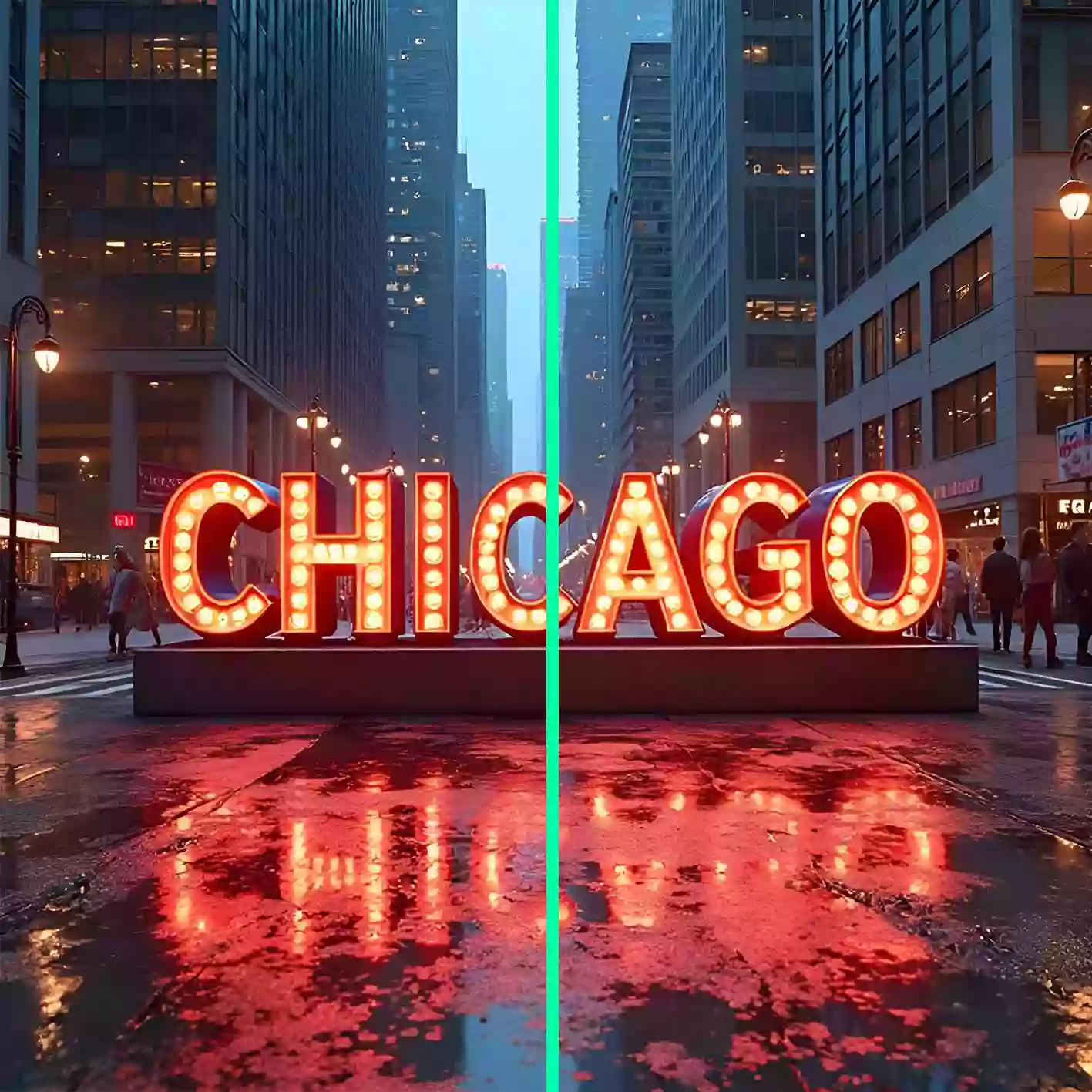
AI Image Enhancer Guide
Everything You Need to Know
Overview
Squido AI Image Enhancer is a fast, simple, and powerful way to improve photo quality without complicated editing. If you have a blurry image, a low-resolution picture, or an old photo that needs more clarity, our AI image enhancer helps you enhance image quality in just a few clicks. It is built for everyday users who want better-looking photos fast, not for people who want to spend hours learning advanced editing software.
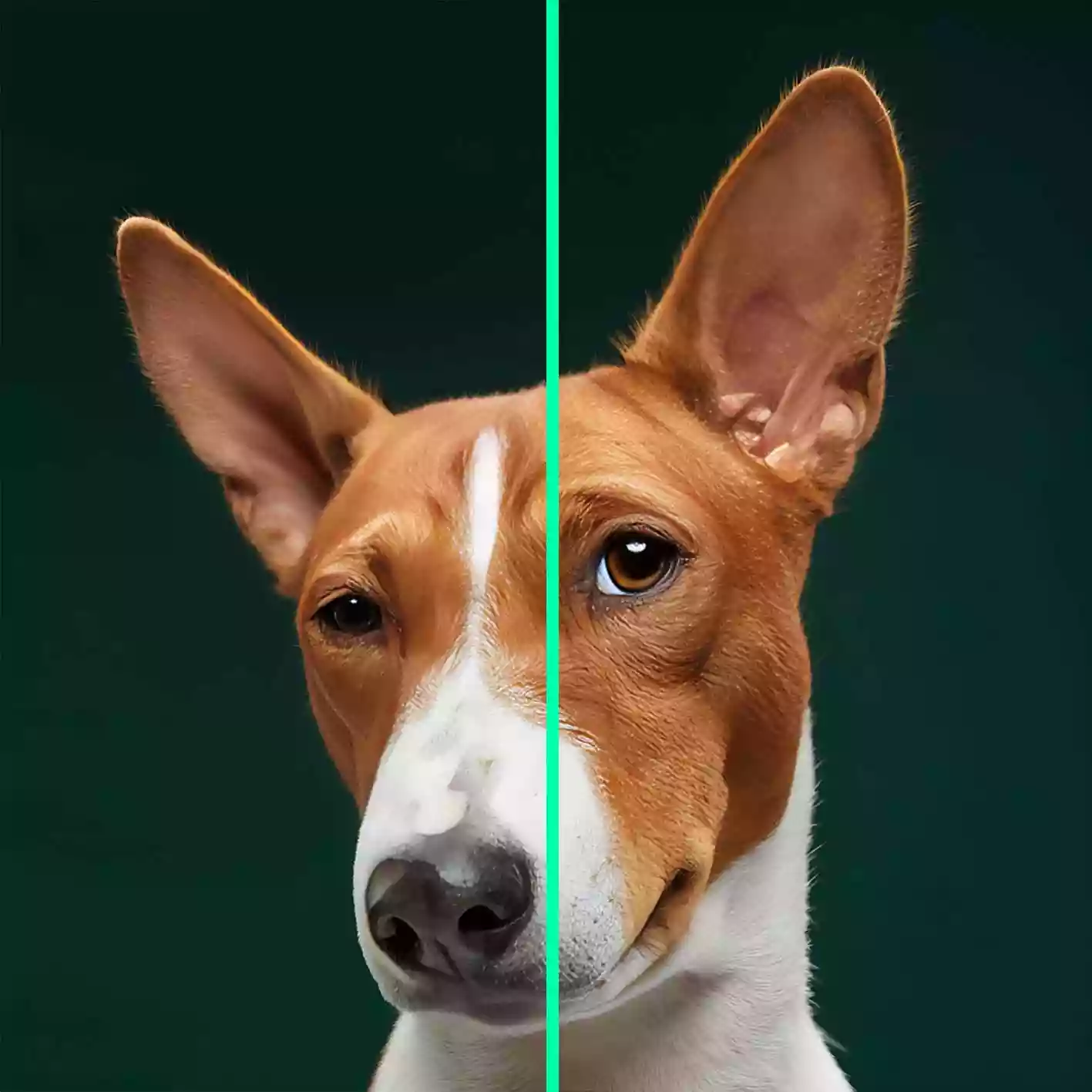
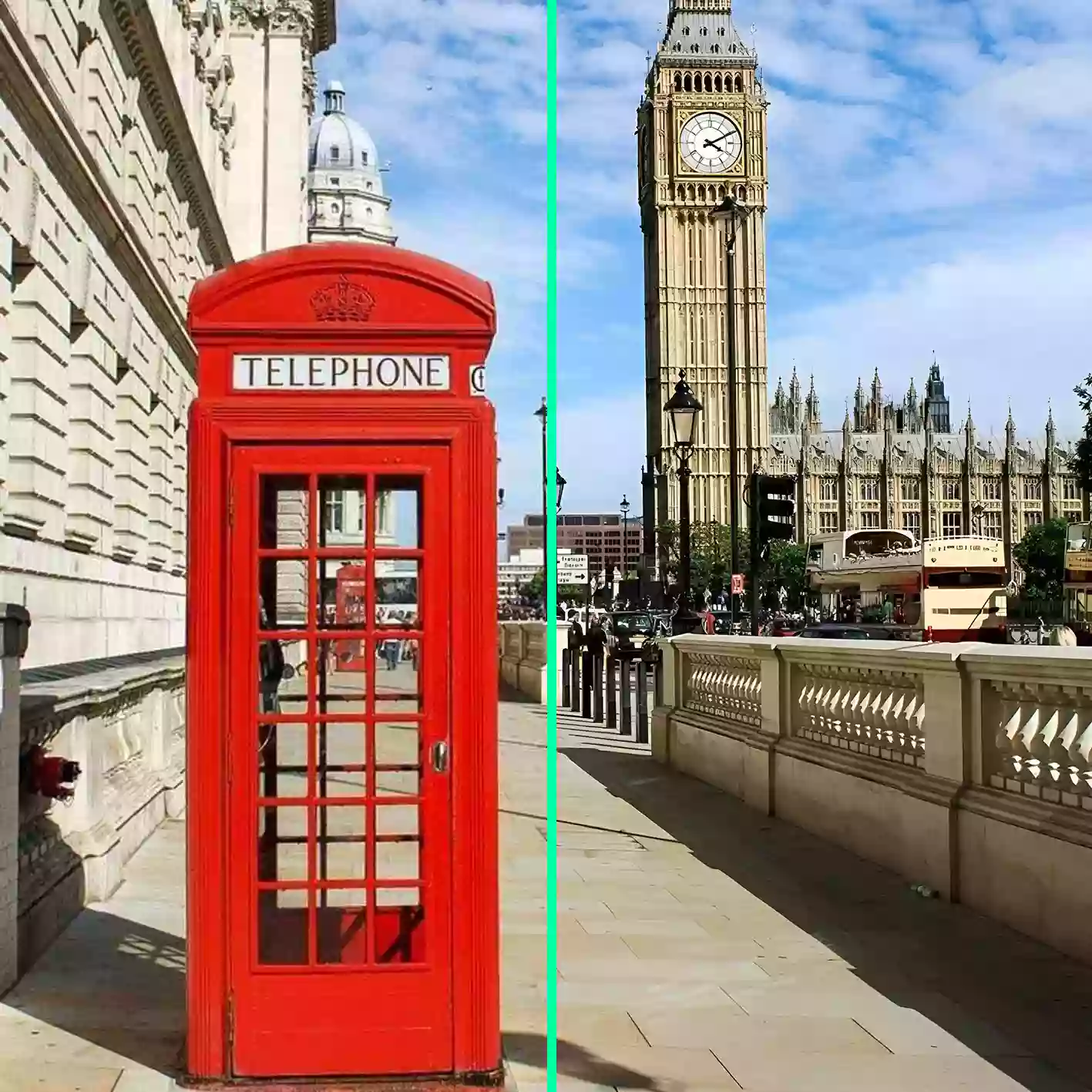
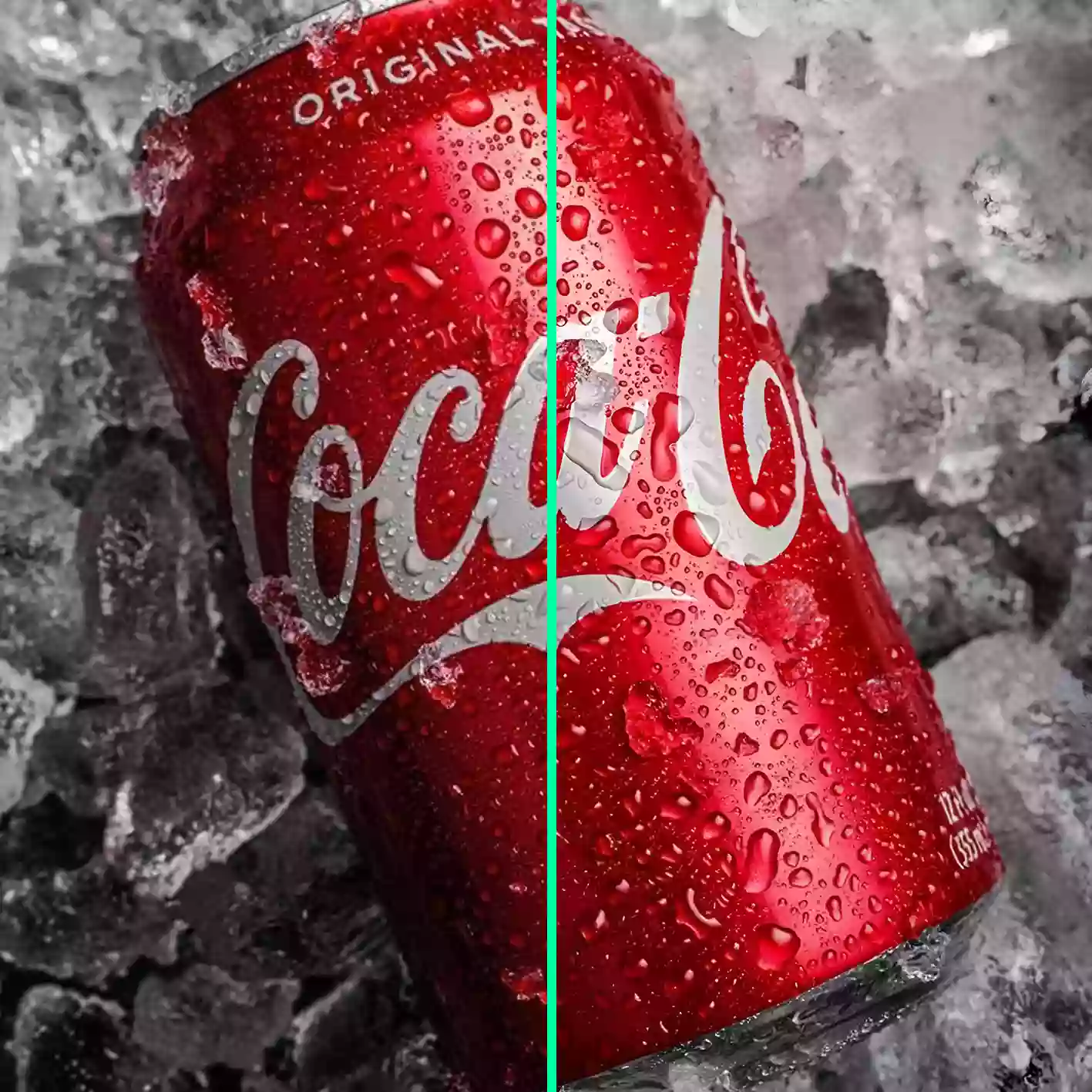
A great image enhancer should do more than make an image bigger. It should sharpen details, improve overall clarity, reduce visible noise, and make the result feel cleaner and more usable. That is what Squido AI is designed to do. Our AI image enhancer works as a photo enhancer, image upscaler, and restoration tool in one simple workflow, helping you fix blurry photos, upscale low-quality images, and restore old memories without the usual friction.
Whether you want to print a small phone photo, improve product images for an online store, fix a soft social media picture, or restore an old family photo, Squido AI gives you a practical way to enhance image results online. You do not need professional retouching skills, complex software, or manual adjustments. Upload your photo, let the AI image enhancer do the heavy lifting, and download a clearer image in seconds.
Why Use Squido AI Image Enhancer
One-Click Photo Improvement Most users are not looking for a complicated editing suite. They simply want a reliable AI image enhancer that can improve photo quality fast. Squido AI makes that easy with a straightforward workflow that helps you enhance image quality without extra steps.
Clearer Photos for Everyday Use Our AI image enhancer is built for ordinary users who want better-looking photos for personal, social, and practical use. From selfies and family photos to product shots and old memories, the tool works across many common image needs.
More Than a Basic Photo Enhancer Basic sharpening tools often make photos look harsh or unnatural. Squido AI works as a smarter image enhancer that improves clarity while keeping the photo more balanced and usable. This helps users get cleaner results when they enhance image quality online.
Upscale and Restore in One Place Squido AI combines photo enhancer, image upscaler, and restoration use cases in a single tool. You can enlarge low-resolution images, repair old photos, and improve blurry pictures without switching workflows.
Fast Results, Low Friction If you need a better image quickly, speed matters. Our AI image enhancer processes photos in seconds, making it useful for everyday users, e-commerce sellers, and content creators who need a practical result right away.
Daily Free Credits Squido AI offers daily free credits so users can try the AI image enhancer regularly before upgrading. That makes it easier to enhance image quality whenever you need to fix a photo, test a result, or improve a visual for work or personal use.
Why Squido AI Stands Out
There are many tools that claim to be an AI image enhancer or photo enhancer, but many still feel too technical or too limited. Squido AI focuses on what most users actually want: an easy way to enhance image quality, sharpen blurry photos, and upscale pictures without a steep learning curve.
This AI image enhancer is especially useful because it keeps the experience simple while still supporting multiple real needs. You can use it as an image enhancer for personal photos, a photo enhancer for social content, an image upscaler for low-resolution files, or a restoration tool for old memories.
Because the process is fast and easy to understand, Squido AI works well for one-time fixes and repeat use. If you want an AI image enhancer that feels accessible from the first upload, this is a practical tool for everyday photo improvement.